Imperial Gaming Login Guide: Access Your Account on Mobile or Desktop
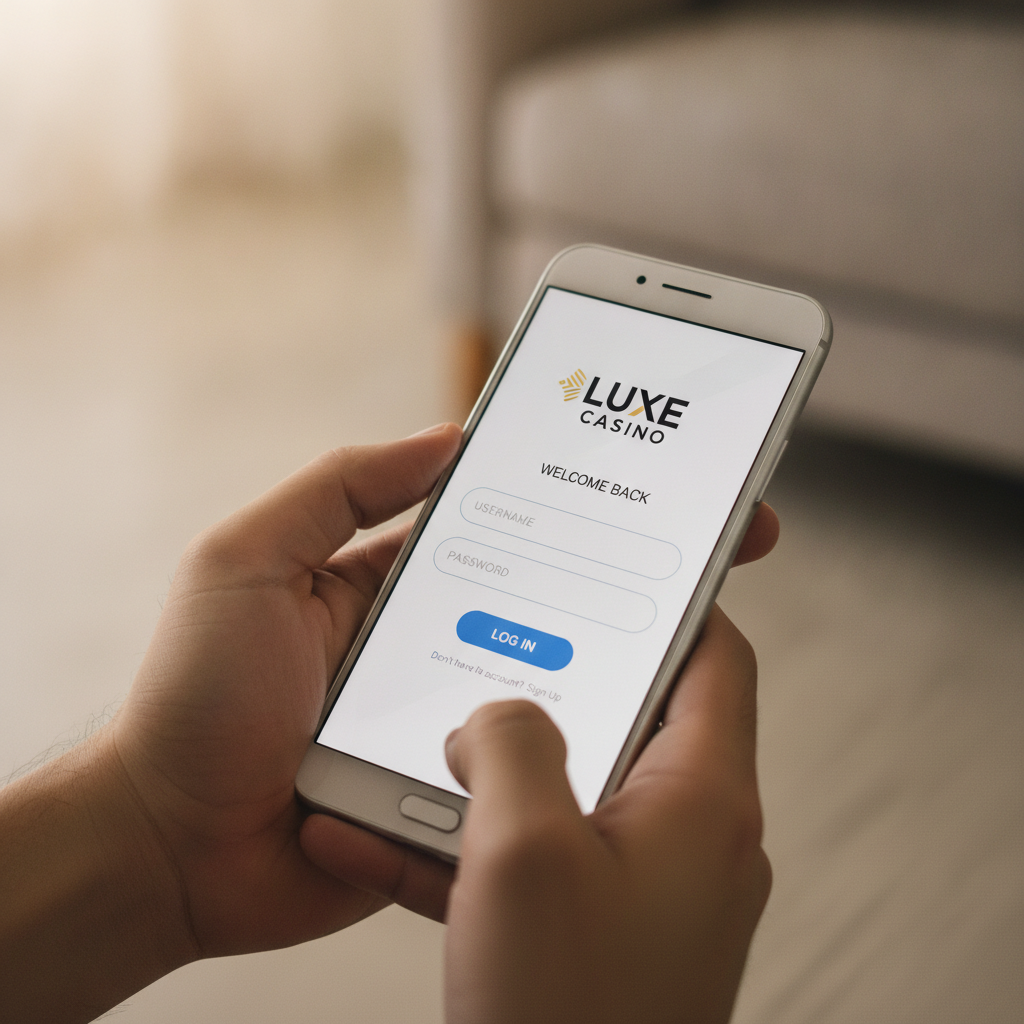
Where to Find the Imperial Gaming Login Page
Imperial Gaming offers Filipino players access to their account through both mobile browsers and desktop computers. The login page sits at the top-right corner of the Imperial Gaming homepage. When you visit the site on any device, you'll see a clearly marked "Login" button that takes you directly to the account access screen.
On Android mobile browsers—which most Filipino players use—the login button appears in the upper navigation bar. Tap it once and the login form opens, either as an overlay on the current page or as a new screen, depending on how Imperial Gaming has structured its mobile interface at the time you visit.
Desktop users will find the same login button in the same position: top-right of the homepage. Clicking it brings up the login fields where you enter your credentials.
Bookmark the homepage on your Android browser for faster access. Once you've logged in successfully the first time, your browser may offer to save the URL or add it to your home screen. This shortcut saves time when you want to check live dealer games, PBA odds, or your account balance.
Imperial Gaming does not require you to download an app to log in. The mobile browser experience is designed to work smoothly on Android phones with Chrome, Firefox, or other popular browsers.
Entering Your Username and Password on Android Mobile Browsers
The Imperial Gaming login process on Android mobile browsers is straightforward. After tapping the login button, you'll see two text fields:
- Username or registered mobile number: Enter the exact username you chose during registration, or the mobile number you verified when you signed up. Imperial Gaming accepts either identifier.
- Password: Type the password you created. Passwords are case-sensitive, so check that your keyboard hasn't automatically capitalized the first letter if your password starts with a lowercase character.
Many Android keyboards display a small eye icon next to the password field. Tap it to reveal the characters you've typed and confirm you entered the correct password before submitting. This simple check prevents many failed login attempts caused by typos.
Once both fields are filled, tap the "Login" or "Sign In" button. If your credentials match the account on file, Imperial Gaming will load your account dashboard, showing your peso balance, recent bets, and quick links to slots, live dealer tables, and sports betting markets for PBA, NBA, and volleyball.
Auto-fill and password managers: Android browsers and third-party password apps like Google Password Manager can store your Imperial Gaming login details. If you choose to save your credentials, the browser will offer to fill them automatically on future visits. This feature is convenient but should only be used on your personal device—never on a shared or public phone.
After a successful login, Imperial Gaming keeps you signed in for a set period, typically until you manually log out or clear your browser cookies. If you close the browser tab without logging out, you may still be signed in when you return, depending on the platform's session timeout settings.
What to Do If Your Login Credentials Are Not Working
Login problems happen to every online casino player at some point. If Imperial Gaming rejects your username and password, here are the most common causes and how to fix them:
Check for typos: Passwords are case-sensitive, and usernames must be entered exactly as registered. A single incorrect character will block access. Re-type both fields carefully, using the eye icon to check your password.
Caps Lock on mobile keyboards: Android keyboards sometimes auto-capitalize the first letter of a text field. If your password starts with a lowercase letter, turn off auto-capitalization or manually delete the capital letter.
Forgotten password: If you can't remember your password, look for a "Forgot Password" or "Reset Password" link near the login button. Tap it, then enter the mobile number or email address you used during Imperial Gaming registration. The platform will send a password-reset link or one-time code via SMS or email. Follow the instructions to create a new password and log in.
Forgotten username: If you registered with a mobile number, try logging in with that number instead of your username. If you can't recall either, contact Imperial Gaming customer support. Have your registered mobile number and a valid ID ready; the support team will verify your identity before helping you recover your account.
Account locked or suspended: After several failed login attempts, Imperial Gaming may temporarily lock your account as a security measure. Wait 15 to 30 minutes, then try again. If the problem persists, reach out to customer support through live chat or the contact options on the Imperial Gaming homepage.
Browser or cache issues: Old cookies or cached data can interfere with login on Android browsers. Clear your browser cache and cookies by going to Settings > Privacy > Clear browsing data, then selecting cached images and cookies. After clearing, revisit the Imperial Gaming homepage and try logging in again.
Internet connection: A weak or unstable mobile data or Wi-Fi connection can interrupt the login process before it completes. Check your signal strength and try again on a stable network.
If none of these steps resolve your issue, Imperial Gaming's customer support team is available to help. Most platforms offer live chat in English or Tagalog during peak hours, and you can also reach support by email or phone. Have your registered mobile number ready to speed up verification.
Security Tips for Keeping Your Account Safe (21+ Only)
Protecting your Imperial Gaming account is essential when betting in pesos and managing deposits through GCash, Maya, and bank transfers. Follow these practical security steps to keep your account and funds secure:
Use a strong, unique password: Your Imperial Gaming password should be at least eight characters long and include a mix of uppercase and lowercase letters, numbers, and symbols. Avoid using common words, your name, or your birthdate. Never reuse passwords from other online accounts—if one site is compromised, hackers will try the same credentials on casino and e-wallet platforms.
Enable two-factor authentication if available: Some online casinos offer two-factor authentication (2FA), which requires a second verification step—usually a one-time code sent to your mobile number—each time you log in. Check Imperial Gaming's account settings to see if 2FA is supported, and turn it on for an extra layer of protection.
Log out after each session: Always tap the "Log Out" button when you're finished playing, especially on mobile browsers. Logging out prevents anyone who picks up your phone from accessing your account and balance.
Never share your login details: Imperial Gaming support will never ask for your password. If someone claiming to represent the platform requests your password or one-time code, do not provide it. Legitimate support teams only need your username or registered mobile number to assist you.
Avoid public Wi-Fi for transactions: When making a deposit or withdrawal via GCash, Maya, or bank transfer, use your mobile data or a trusted home Wi-Fi network. Public Wi-Fi at cafés or malls can be less secure and may expose your login credentials or payment information to hackers.
Update your mobile browser: Keep your Android browser updated to the latest version. Updates include security patches that protect against known vulnerabilities. Set your browser to update automatically, or check the Google Play Store regularly for new releases.
Check your account activity: Imperial Gaming typically offers a transaction history or activity log in your account dashboard. Review it periodically to spot any unfamiliar logins or bets. If you see activity you didn't authorize, change your password immediately and contact customer support.
Set deposit limits and reminders: Responsible gambling starts with managing your budget. Before you log in to bet on PBA games, spin slots, or join live dealer tables, decide how much you can afford to deposit. Many players set a weekly limit of PHP 500 or less. Imperial Gaming may offer responsible gambling tools such as deposit limits, session reminders, or self-exclusion options. Explore these features in your account settings.
Remember: Imperial Gaming is for players aged 21 and over only. Online gambling should be a form of entertainment, not a way to make money. If you find yourself betting more than you can afford, or if gambling is affecting your daily life, seek help through responsible gambling resources available in the Philippines.
Responsible Gambling Reminder
Imperial Gaming provides slots, live dealer tables, and sports betting on PBA, NBA, and volleyball for Filipino players who are 21 years of age or older. Gambling should be enjoyable and within your means. Set a budget before you log in, stick to your deposit limits, and never chase losses.
If you or someone you know is struggling with problem gambling, reach out to local support organizations or use the responsible gambling tools available through your Imperial Gaming account. Play responsibly, and remember that all casino games and sports betting carry risk—there are no guaranteed winnings or risk-free bets.
This is an independent guide to Imperial Gaming. The information provided here is for educational purposes and is intended to help Filipino players understand how to log in and access their accounts safely. Imperial Gaming Guide PH is not operated by Imperial Gaming and does not accept deposits, place bets, or offer gambling services.